In this lesson we’re going to get serious about GUI development. We’ll talk about some of the most common components comprising a GUI, how to arrange them, how to improve their appearance and how to interact with them. The discussion has been organized into multiple pages, each addressing a different topic. They are:
- Page 1: Introduction
This page, a quick introduction to the topics covered in this lesson. It also has a discussion of some minor refactoring of the project organization and previously written code. - Page 2: Layout Managers
Layout managers are assigned to containers (for us, typically JPanels) that contain and arrange other components. Layout managers come in various flavors, and are crucial to the container organization. - Page 3: Borders
A borders are drawn around the edge of a component. They can give a particular component or set of components a three-dimensional or “flat” appearance. They can be used to make a component stand out, or to group related components together. - Page 4: Buttons
This topic is about all those components that are member of the genus AbstractButton. Different species include JButton, JToggleButton and JCheckBox. A button can be used to represent the value of a property; a toggle button, when selected, can indicate whether a font is bold or italic. Buttons are often used to trigger events; an operator may push a button, for example, to commit a record to a database, or to erase all the files on a disk.
- Page 5: The ColorEditor Class
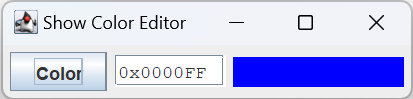
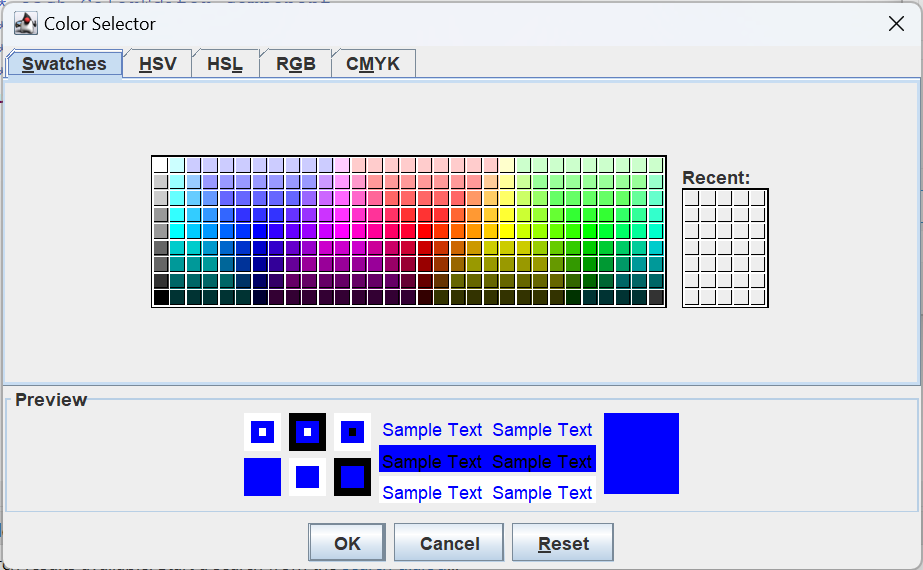
All the details discussed above will be used to build a color-selector dialog, and the components that can be used to edit a color. - Page 6: ColorEditor Unit Tests
This page describes the the JUnit test for the ColorEditor. It continues our discussion of how to effectively test a GUI.
- Page 7: The FontEditor Class
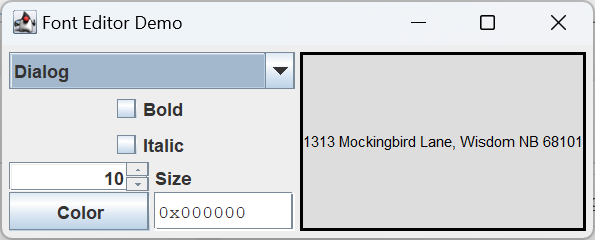
On this page we will assemble a variety of components that allow the operator to specify the properties of a font, including name, style, size and text color. - Page 8: FontEditor Unit Tests
This will be our discussion of how to test the FontEditor class. In this context, it introduces mechanisms for capturing and analyzing the graphics displayed in a window.
GitHub repository: Cartesian Plane Part 15
Previous lesson: Cartesian Plane Lesson 14: GUI Testing: Revised JUnit Tests
Refactoring
We’re going to add a new package to our project, com.acmemail.judah.cartesian_plane.components. This package will contain the ItemSelectionDialog class, which we built in a previous lesson, and the new components created for this lesson, ColorEditor, ColorSelector and FontEditor.
In the sandbox package we’ve added the class SandboxUtils which, going forward, will contain utility methods for building sandbox demos.
The ComponentFinder.disposeAll() method has been modified so that it can be called from the EDT or any other thread.